
Download Trillian – Multi‑Network Instant Messaging Client for Mac & Windows
Overview
Trillian has been a staple in the instant‑messaging world for Windows users for many years, and the recent release for macOS finally brings its cross‑platform promise to Apple computers. Built as a universal client, Trillian lets you stay connected to a variety of chat networks—from legacy services like MSN and Google Chat to modern platforms such as Slack and Discord—without juggling separate applications. The software targets users who value a single, secure pane of glass for all their conversations, and it markets itself as a “free” solution that can be upgraded to a premium “Astra” account for additional cloud features.
While the Mac version only supports Intel‑based machines running OS X 10.6 or later, the Windows build runs on any modern 64‑bit edition of Windows 7, 8, 10, or 11. The initial experience can feel a little rough around the edges: the registration process for a Trillian Astra account is lengthy, and adding new networks is not as intuitive as the “+” button might suggest. Nevertheless, the core client is lightweight, the interface is clean, and the underlying architecture promises reliable delivery of messages across networks, even after a laptop wakes from sleep.
In this review we’ll break down the feature set, examine system compatibility, walk through installation, and weigh the pros and cons that matter most to power users and casual chatters alike.
Features & Compatibility
- Unified inbox for multiple chat protocols (AIM, ICQ, MSN, Google Chat, Slack, Discord, etc.)
- Customizable themes and status messages
- End‑to‑end encryption for supported networks
- Cross‑device sync via Trillian Astra (cloud‑based contact and history sync)
- Desktop notifications with sound and badge support
- Offline message queuing and auto‑reconnect after sleep
- Plugin architecture for third‑party extensions
- Simple keyboard shortcuts for rapid navigation
Trillian is officially compatible with Intel‑based Macs running OS X 10.6 Snow Leopard or newer, and with Windows 7, 8, 10, and 11 (both 32‑bit and 64‑bit). The application does not support PowerPC Macs or legacy versions of macOS prior to 10.6, and there is currently no native ARM‑Mac build, although Rosetta 2 can run the Intel binary on Apple‑silicon machines with acceptable performance. On Windows, the installer detects the appropriate architecture automatically, ensuring smooth deployment on both home and corporate environments. System requirements are modest: a 1 GHz processor, 512 MB RAM, and 100 MB of free disk space are sufficient for basic operation, while power users who enable multiple plugins may benefit from a faster CPU and additional memory.
Installation & Daily Use
Getting Trillian up and running is a straightforward process, provided you have an active internet connection and an Intel‑based Mac or a recent Windows PC. Follow these steps to install and start chatting:
- Download the installer: Visit the official Trillian website and click the “Download for Mac” or “Download for Windows” button. The file is a standard
.dmg(Mac) or.exe(Windows) package. - Run the installer: On macOS, drag the Trillian icon into the Applications folder. On Windows, double‑click the
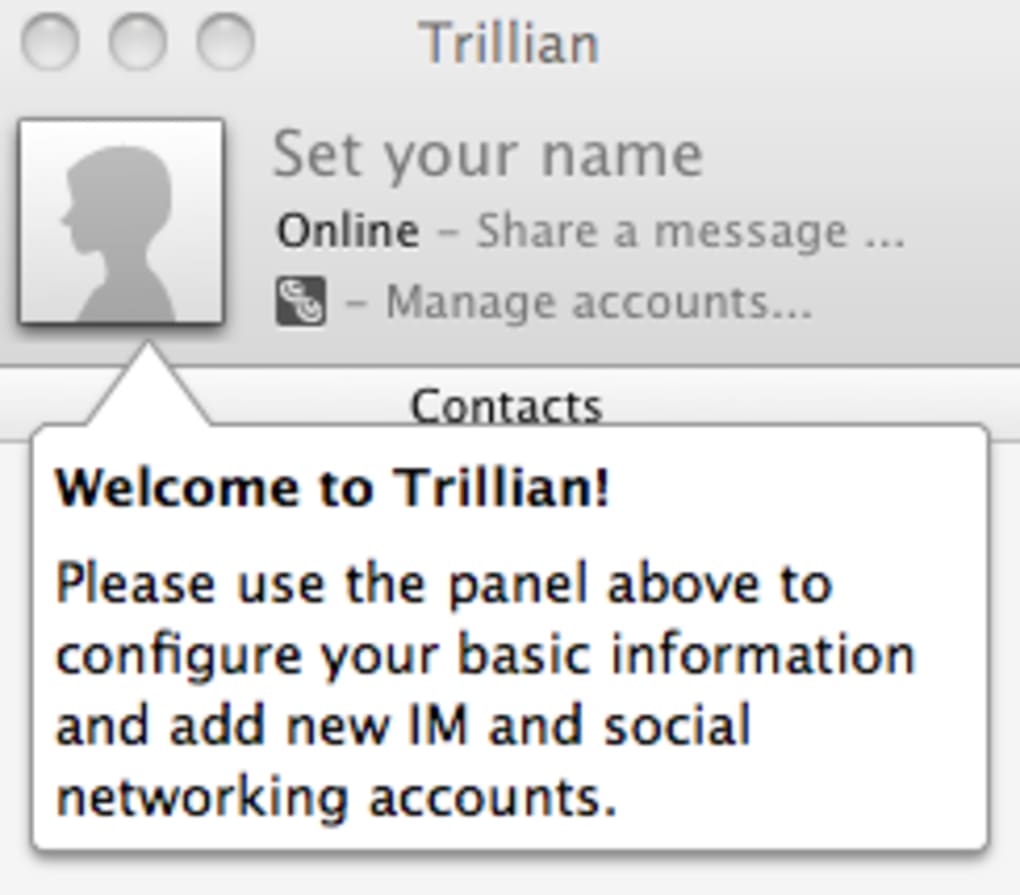
.exeand follow the wizard, accepting the license agreement and choosing an installation path. - Create a Trillian Astra account: The first launch prompts you to sign up for a free Astra account. Provide a valid email address, create a password, and verify the account via the confirmation link. This step can feel cumbersome, but it unlocks cloud sync and future premium features.
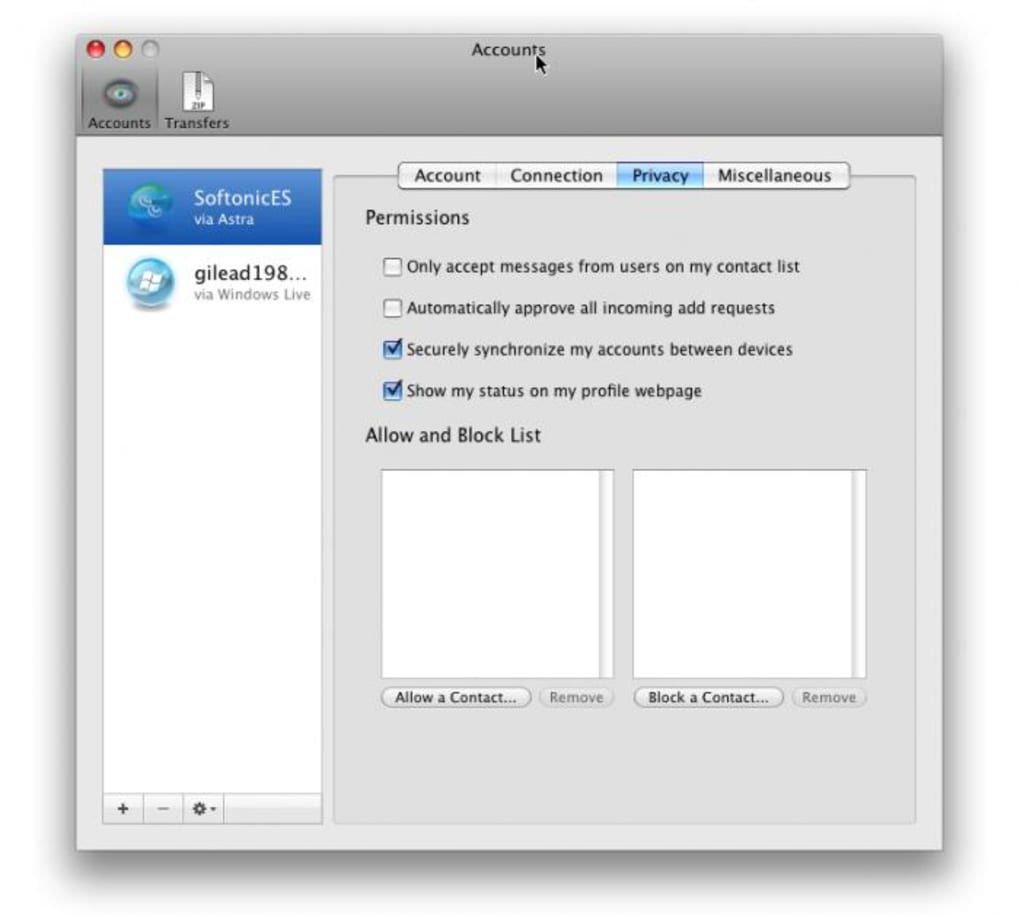
- Add your chat networks: Inside the client, click the “Accounts” tab and select “Add Account.” Choose the desired network from the dropdown, enter your credentials, and configure any optional settings (e.g., proxy, custom server). Note that some networks may require additional OAuth steps.
- Customize the interface: Navigate to Preferences → Appearance to select a theme, adjust notification settings, and enable keyboard shortcuts that suit your workflow.
- Start chatting: Your contacts appear in a unified list. Double‑click a contact to open a conversation window, type your message, and press Enter. Trillian automatically reconnects after sleep, ensuring you never miss a reply.
While the core installation is simple, users have reported occasional hiccups when adding newer networks like Google Chat, where the “+” button in the main window does not directly expose network addition and instead only creates new contacts or groups. In those cases, the “Accounts” pane is the reliable place to manage network connections. The client also includes a “Help” menu that, unfortunately, currently displays a placeholder message (“Help is not available for Trillian”), so users must rely on online forums or the official knowledge base for troubleshooting.
Pros & Cons
Pros
- Supports a wide array of legacy and modern chat protocols in a single window.
- Lightweight design consumes minimal system resources.
- End‑to‑end encryption is available for compatible networks.
- Cross‑device sync via Astra keeps contacts and history consistent.
- Automatic reconnection after laptop sleep reduces missed messages.
Cons
- Registration for an Astra account can be time‑consuming and feels outdated.
- Adding new networks is not as intuitive as the UI suggests; the “+” button adds contacts, not networks.
- Lack of native video or audio chat limits its use for multimedia conversations.
- No built‑in help documentation; users must search external resources.
- Mac version is limited to Intel CPUs and OS X 10.6+, excluding newer Apple‑silicon‑only devices.
Conclusion & FAQ
Trillian remains a solid choice for users who need a single pane of glass for multiple instant‑messaging services, especially on Windows where it has matured for years. The Mac release finally brings that convenience to Apple users, but the experience is still in an early‑alpha stage. If you already rely on Adium, you’ll find Trillian’s interface more streamlined but lacking in the depth of customization and plugin ecosystem that Adium offers.
The absence of video and audio support also means you’ll likely keep a dedicated app for those features. However, for text‑focused communication—especially in a professional environment where you must monitor several networks—Trillian’s reliability, encryption, and cross‑device sync are compelling reasons to give it a try. The free version is genuinely free, and the optional Astra upgrade provides cloud‑backed history and advanced settings without a subscription fee, making it a low‑risk experiment.
Ready to simplify your chat workflow? Download Trillian today, create your Astra account, and start consolidating your conversations into one secure, easy‑to‑use client.
Frequently Asked Questions
Is Trillian free to use?
Yes, the basic Trillian client is free. You only need a free Trillian Astra account for cloud sync, and there are optional paid features for teams and enterprises.
Can I use Trillian on an Apple‑silicon Mac?
The native macOS build supports only Intel‑based Macs. However, Rosetta 2 can run the Intel version on Apple‑silicon devices, though performance may vary.
Does Trillian support video calls?
No, Trillian currently focuses on text‑based messaging. For video or audio calls you’ll need to use the native apps of the respective networks.
How secure is my data on Trillian?
Trillian uses end‑to‑end encryption where the underlying network supports it, and Astra syncs data over TLS. Your passwords are never stored in plain text.
Can I import my contacts from another IM client?
Yes, Trillian can import contacts via CSV files or by linking existing accounts, making migration from tools like Adium relatively painless.
Trillian delivers a reliable multi‑network messaging experience with a clean UI and strong encryption. While the Mac version is still maturing, the Windows client is robust and suitable for both personal and professional use. The primary drawbacks are the clunky account registration and the lack of built‑in video chat, but for text‑centric workflows Trillian remains a valuable tool.







